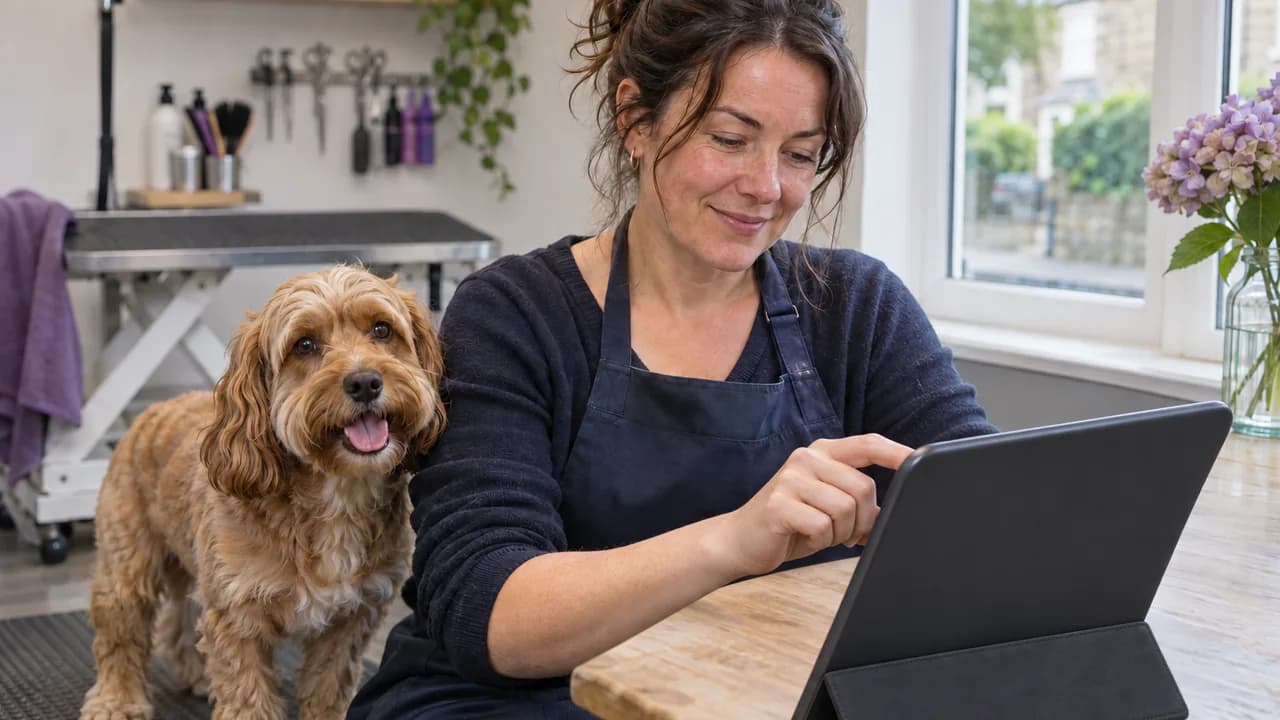
How to set up online booking for your dog grooming business
Start with a small online diary. Let customers book appointments you can price and time reliably. Use a request form for new dogs, uncertain coat or handling needs, and mobile visits you need to fit into a route. Make it clear which option confirms a time and which sends you a request.
1. Decide which appointments customers can book
| Appointment | Starting setup |
|---|---|
| Regular groom for a returning dog whose coat, service and timing are familiar | Let the customer book from suitable slots. Ask them to flag any changes since the last visit. |
| Short service you can price and time reliably, such as a nail trim for a dog you know | Offer a dedicated slot or make it an add-on, depending on how you run your diary. |
| First visit, puppy introduction or a dog you haven't seen for a while | Start with a request so you can check the service, time and price. |
| Matting, substantial coat change, handling concerns, or an appointment you can't confidently price or time | Review before confirming. Discuss what you can reasonably offer and allow enough time. |
| Mobile visit with an unfamiliar address or tight travel window | Review postcode, access and route fit before promising a time. |
Set aside time for handover, cleaning and breaks. If you take bookings by phone or message as well, put them in the same diary so the same slot can't be offered twice.
2. Set your service prices before you open the diary
Write down what each service includes, the time you expect it to take and the price you can stand behind. Look at a few recent grooms rather than building the menu around your fastest appointment.
Use the free UK Grooming Pricing Health Check to work out the hourly revenue your business needs from your costs, income goal and realistic billable hours. You can compare up to three service prices with that figure. Start with the services you plan to put online first.
Show a clear total for a service you can price up front, including any unavoidable charge. Where you need more information to price the work, explain what changes the quote and confirm the total before the customer commits. For mobile visits, allow for driving and setup when you plan your capacity. Reserve the travel time in the diary even when you don't list a separate travel charge.
3. Keep the booking form short
- Owner details. Ask for their name and a contact method for booking updates. Ask for a mobile number if you need to reach them on the day.
- Dog and service. Ask for the dog's name, whether they've visited before, the service wanted and any size, age or coat details you need to choose a slot.
- Relevant changes or care needs. Ask whether anything may affect the groom, such as matting, a change in mobility or difficulty with a previous groom. Follow up privately if you need more detail.
- Mobile visits. Start with the postcode to check coverage. Collect the full service address and relevant parking or access details when arranging the visit.
Make a field required only when you need the answer to process the booking. Link to your privacy notice where you collect personal information and review which records you still need to keep. ICO guidance on data minimisation
4. Make a request feel different from a confirmed booking
Label the button Request an appointment if you still need to approve it. Send a receipt that tells the customer when they can expect to hear back and makes clear the slot is still pending.
When reviewing a request, check the service, estimated time, any care or handling needs, the price and, for mobile visits, the route. Once agreed, send a confirmation with the time or arrival window, location, service, total price, any deposit and how to cancel or rearrange. If your software only supports instant confirmation, keep exceptions off that menu and use a separate enquiry form.
5. Decide when to take a deposit and how to handle cancellations
For regular bookings, you could start with clear reminders and no upfront payment. For a longer slot or first appointment, you could take a deposit after agreeing the appointment details and credit it against the final bill. For requests, decide whether the slot is held while the customer pays and tell them when that hold expires.
Before the customer commits, show the amount due, the remaining balance, how to cancel or move the booking, and when a deposit may be refunded, transferred or retained. Give them a straightforward way to contact you. If you refill the slot, take that into account before applying a charge. Avoid blanket terms that keep every deposit or charge the full price regardless of the circumstances. Check that any policy reflects a genuine estimate of your direct loss and respects any statutory cancellation rights that apply to online bookings. CMA guidance on fair contract terms · GOV.UK distance-selling guidance
6. Test the booking as a customer
Start with one or two services and test from a phone before sharing the link. Try a returning dog, a first-time request, a mobile postcode outside your area and a cancellation. If you take deposits, use the provider's test mode where available and check the confirmation, balance, rescheduling and refund process.

A simple request form and a single diary may be enough to start. If you want a dedicated system, GetaBooking is one option to compare. Its dog grooming page describes a custom booking form, scheduling and service pricing by dog size or breed. Ask for a demo of your actual workflow, especially manual approval, mobile travel buffers and deposit handling, before choosing a setup. GetaBooking dog grooming software
GetaBooking offer. GetaBooking says you can start its standard 14-day free trial without a card. If you decide to subscribe, enter BRISKETTLE at subscription checkout for your first subscription month free. The standard price after that free month is £9.99 per month.
Once the first bookings come in, check what you still have to chase by message. If the same question keeps coming up, improve the form or service description before opening more of the diary.